How to change color of the docking pane caption?
Printed From: Codejock Forums
Category: Codejock Products
Forum Name: Toolkit Pro
Forum Description: Topics Related to Codejock Toolkit Pro
URL: http://forum.codejock.com/forum_posts.asp?TID=24641
Printed Date: 27 October 2026 at 7:19am
Software Version: Web Wiz Forums 12.04 - http://www.webwizforums.com
Topic: How to change color of the docking pane caption?
Posted By: g_j_a_i_n
Subject: How to change color of the docking pane caption?
Date Posted: 18 May 2026 at 11:26pm
|
Hello, Can you please tell me how to change the color of docking pane's caption. I want to change the blue color to something else. I tried PaneManager->GetPaintManager()->m_clrActiveCaption. But the color remains blue. 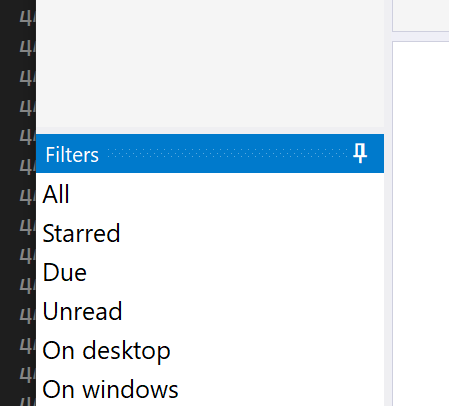 Regards, Gautam Jain |
Replies:
Posted By: cpede
Date Posted: 19 May 2026 at 10:25am
|
I'm doing that through the styles ini file in section E.g.
------------- Product: Xtreme ToolkitPro (24.0.0) Platform: Windows 10 (x64) Language: Visual Studio 2017 (C++) |